playdate-arduboy
A collection of ported games + a drop in replacement library for Arduboy2 / ArduboyPlaytune / ArduboyTones for playdate
Project maintained by joyrider3774 Hosted on GitHub Pages — Theme by mattgraham
Arduboy Playdate Ports
A collection of ported games + a drop in replacement library for Arduboy2 / ArduboyPlaytune / ArduboyTones
Initial Port was done by Eric Lewis, additional fixes done by joyrider3774, game porters are listed in the games section
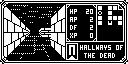
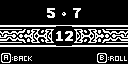
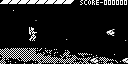
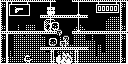
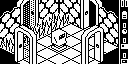
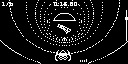
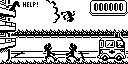
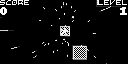
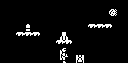
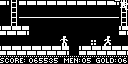
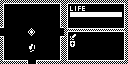
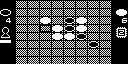
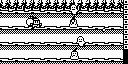
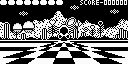
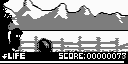
Games
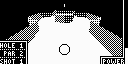
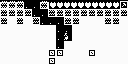
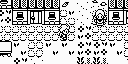
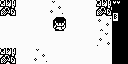
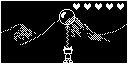
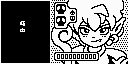
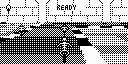
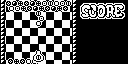

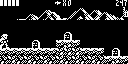
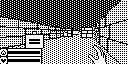
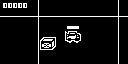



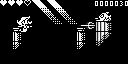
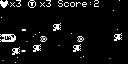
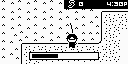
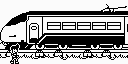
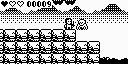
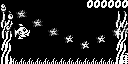
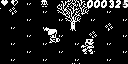
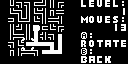
Instructions
Prerequisites
Before building, make sure you have:
- Playdate SDK installed
- macOS: install via the Playdate website. The SDK path is auto-detected from
~/.Playdate/config. - Linux/Windows: set the
PLAYDATE_SDK_PATHenvironment variable pointing to your SDK folder (e.g.export PLAYDATE_SDK_PATH=/path/to/PlaydateSDK).
- macOS: install via the Playdate website. The SDK path is auto-detected from
- CMake 3.19+
cmake --version playdate-cppsubmodule initialized. From the repository root:git submodule update --init
Building
All commands are run from the repository root (not in a games folder).
1. Create the build directory
mkdir build
cd build
2. Configure with CMake
macOS (SDK path is auto-detected):
cmake ..
Linux / Windows (set SDK path explicitly if not set already):
PLAYDATE_SDK_PATH=/path/to/PlaydateSDK cmake ..
3. Build
only a single game for example the Fast game
cmake --build . --target Fast
Or build all games in the repository:
cmake --build . --config Release
4. Locate the output
After a successful build, the .pdx bundle is placed inside the game folder:
for example:
Fast/Fast.pdx/
5. Running on the Playdate Simulator
Open the Playdate Simulator, then drag and drop a game for example Fast/Fast.pdx onto it — or use File → Open and select the Fast.pdx folder.
6. Running on a physical Playdate
- Connect your Playdate via USB.
- In the Playdate Simulator, go to Device → Upload Game to Device and select
Fast/Fast.pdx.
Alternatively, use the Playdate web interface at device.play.date to sideload the .pdx directly.
7. Troubleshooting
| Problem | Solution |
|---|---|
cmake .. fails with “SDK not found” |
Set PLAYDATE_SDK_PATH explicitly (see step 2) |
git submodule errors |
Run git submodule update --init from the repo root |
Build errors in playdate-cpp |
Make sure the submodule was fully initialized; re-run git submodule update --init --recursive |
.pdx not appearing |
Check that the build completed without errors; the output goes to [Game]/[Game].pdx/ |
Licenses
- Games that had licenses on their repo’s as well as a readme.md are included in each games subdirectory
- ArduboyTones, ArduboyPlaytune and Arduboy2 licences and readme’s can be found in
LicensesDirectory